Solar monitoring basics
Use monitoring data properly instead of only checking the app when something feels wrong.
Author
SolarGabay Editorial Team — independent consumer-focused writers who translate technical sources into practical homeowner guidance.
Technical review
Reviewed against the published methodology, source hierarchy, and stated limitations. This is educational guidance, not site-specific engineering.
Update history
Last reviewed July 20, 2026. Corrections are logged through the public corrections process and material changes update this date.
View correction policyPractical answer
What you should know first
Monitoring turns a solar system from a black box into something you can evaluate. It helps you spot faults, understand seasonal performance, and verify whether the system is behaving close to expectation. But monitoring only helps if you know what to look for.
Monitoring is most useful when it compares actual performance with a realistic expectation.
Decision map
Read monitoring at three time scales
Live
Check whether the system is operating, importing, exporting, charging, or alarming.
Daily and monthly
Compare production shape, self-consumption, outages, and recurring anomalies.
Year over year
Adjust for weather and look for sustained loss beyond expected degradation.
The variables that matter
Production will vary by weather and season, so daily output alone does not prove a problem.
Monitoring is most useful when paired with a rough expectation of normal performance.
Sudden drops, missing data, or unusual operating hours deserve attention.
Monitoring does not replace physical inspection, especially after storms or electrical work.
Know what the dashboard is measuring
Most inverter portals show power, daily energy, cumulative energy, alarms, and device status. Some systems also measure household consumption and grid import/export; others show solar production only. Confusing these views can lead to incorrect savings conclusions.
Modern inverters use communications for monitoring and grid functions, but loss of internet does not always mean loss of generation. The system architecture should be documented.
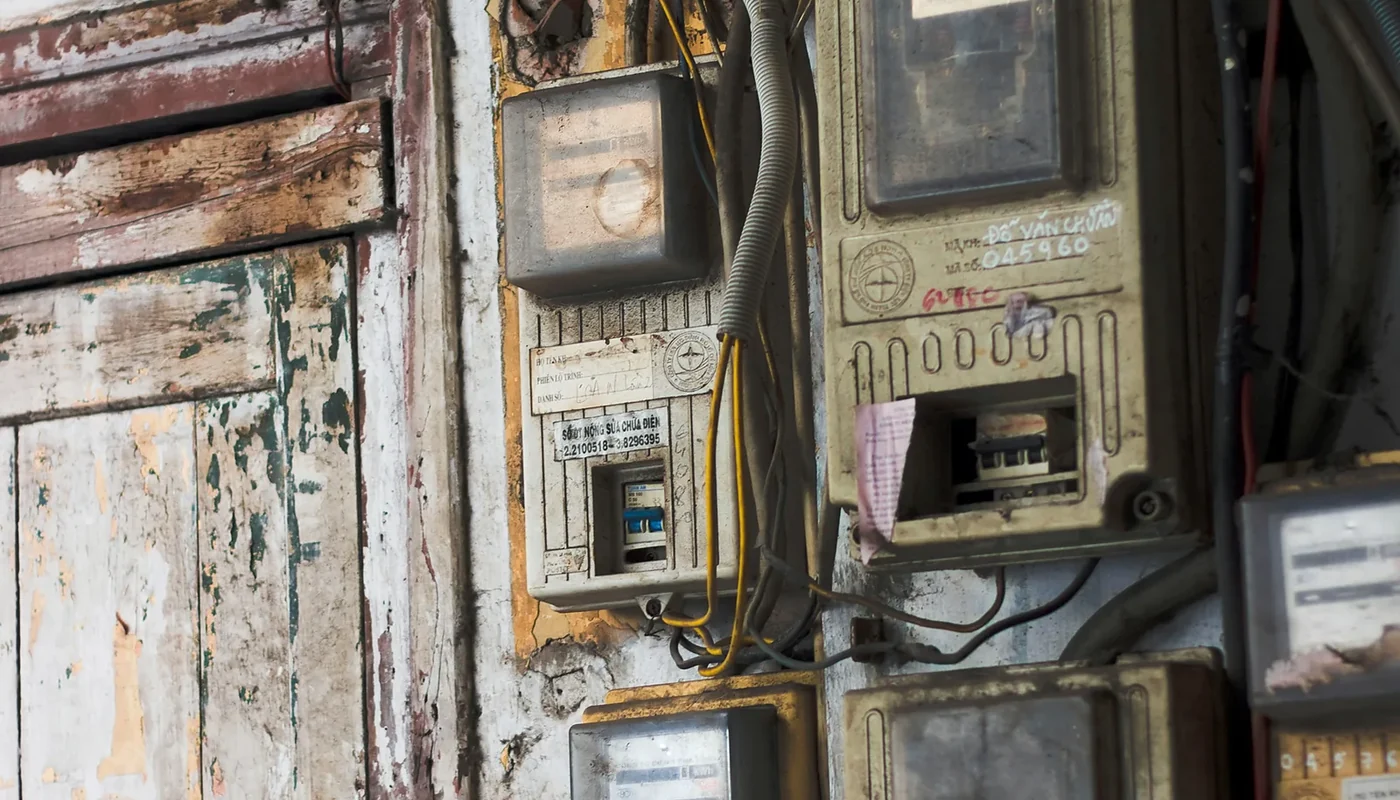
Confirm whether consumption and export meters are installed.
Keep owner credentials independent of the installer’s account.
Record the baseline after commissioning.
Look for patterns, not one cloudy day
Weather and seasons make daily output variable. O&M guidance recommends using trends, expected ranges, and alarms to identify persistent underperformance rather than reacting to a single low day.
Sudden flat lines, missing strings, repeated inverter resets, or a sustained gap from expected production deserve investigation.
Review monthly production against the model.
Set alerts for offline equipment and faults.
Keep screenshots and dates when reporting a problem.
Worked example
A cloudy day is not a system fault
Low output can be normal during bad weather. A better warning is when one inverter string is consistently below another under similar sunlight, or when weather-adjusted monthly production falls without explanation.
Look for patterns and comparisons, not isolated numbers.
Decision rule
Set a monthly review routine, preserve login ownership and data access, and define who responds to each alarm type.
Practical checklist
Confirm that your system includes owner-visible monitoring and that you receive access.
Review weekly or monthly patterns instead of reacting to one low-output afternoon.
Keep records of unusual drops and report them promptly.
Ask what alerts or support workflow the installer offers.
Evidence, scope and limitations
A monitoring app is not just a feel-good extra. It is one of the simplest ways to protect the value of the system you paid for.
International references are used for engineering and consumer principles. Philippine utility procedures, tariffs, permits and legal requirements must be confirmed using current local rules.
Research record
Sources and further reading
- [1]Solar Integration: Inverters and Grid Services BasicsU.S. Department of Energy
- [2]Best Practices for Operation and Maintenance of Photovoltaic and Energy Storage SystemsNational Renewable Energy Laboratory
- [3]A Consumer’s Guide to Buying a House with Solar PanelsU.S. Department of Energy
Source transparency
Each guide now identifies the publications used for its technical and consumer guidance.
Commercial separation
Installer inclusion, sponsorship, or advertising cannot change editorial conclusions.
Correction and source policy